01 · Send it in
Anything on file
Scanned drawings, handover packs, purchase orders, inspection reports, databases and decades of email. You do not need to sort any of it first.
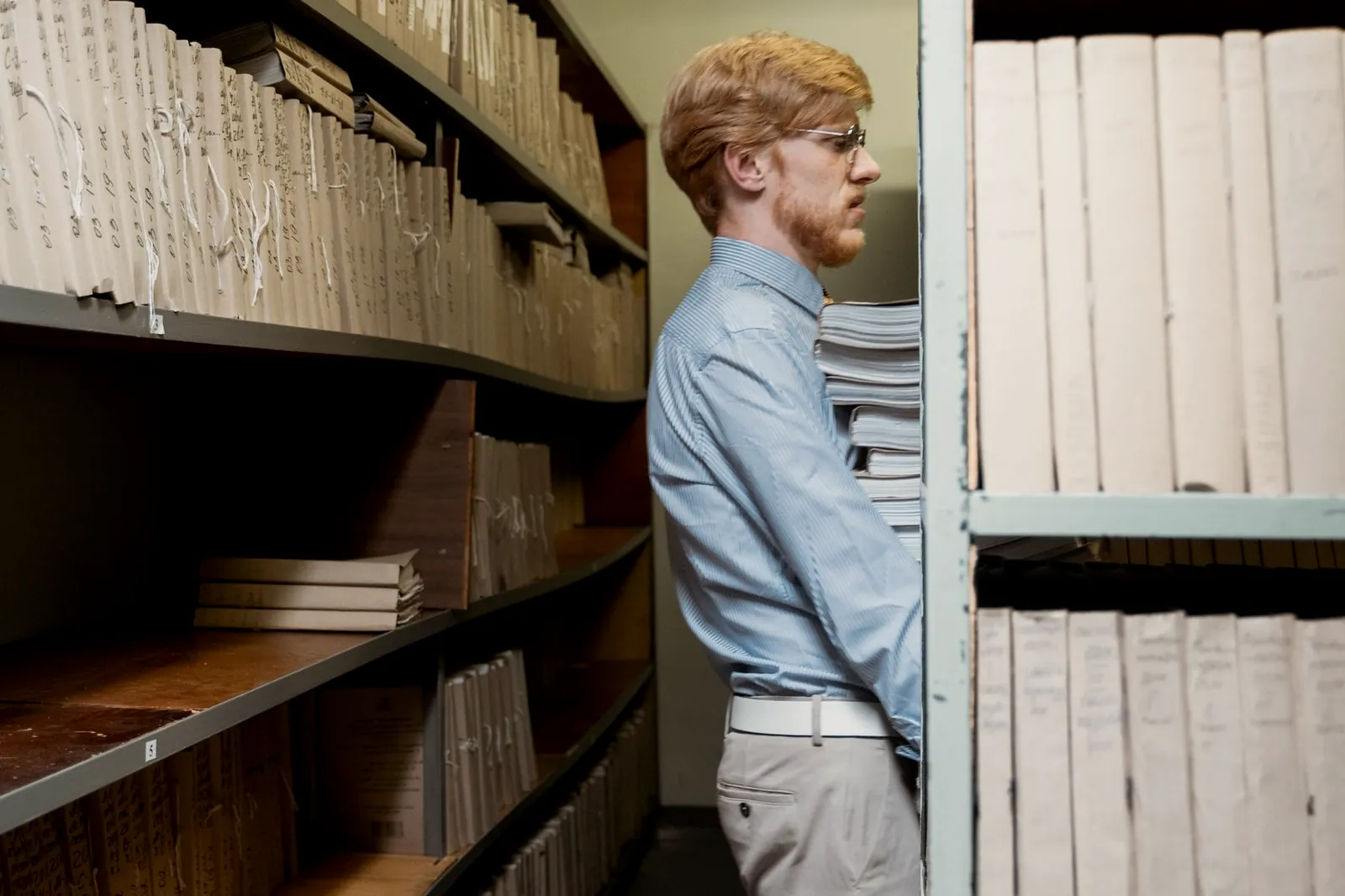
Division 01 · Asset Register
Drawings, handover packs, purchase orders, inspection reports, thirty years of email. Everything about your plant is written down somewhere, and none of it can be searched.
Handwriting
It reads print and handwritten notes
Checked
Anything doubtful goes to a person
Written back
The corrected version returns to your systems
Court ready
Locked and exported when a regulator asks
Weeks
To an equipment list your engineers will sign off
Ask a plant how many pumps it runs and three systems give three different answers. There are usually three reasons. Names were changed during a shutdown. A unit was swapped and never written down. And part of the history sits in a retired engineer’s inbox.
That is normal. The equipment list sits underneath everything else, so a mistake in it flows up into every model and every report, and then gets presented as fact.
We turn the documents you already own into information you can search. The software reads the printed text, then the handwritten notes in the margins, which is where a lot of the real history lives. It pulls out the details, sorts them, and checks its own work. The corrected version then goes back into the systems you run today.
The same software answers a court or a regulator. It finds everything relevant across email, documents and databases, locks it so it cannot be altered, searches it properly, and exports it in a form that stands up. Legal teams and engineers want the same thing: everything known about one subject, in one place.
This is the cheapest thing to buy first. Once the equipment list can be trusted, the model has something solid to sit on and every sensor reading has a machine to belong to. A reading you cannot tie to a named machine is worth nothing.
How it runs
Reading the documents is the easy half. Settling the disagreements is what turns a pile of files into a list your engineers will trust.
01 · Send it in
Scanned drawings, handover packs, purchase orders, inspection reports, databases and decades of email. You do not need to sort any of it first.
02 · Read and sort
Everything is read, sorted and rated for confidence. Anything the software is unsure about goes to a person to decide.
03 · Agree
Where your systems disagree, we show you the disagreement and you settle it. Nothing is overwritten without you seeing it first.
The equipment list holds everything else up. It is also the cheapest place to start, because we never need to set foot on the plant. Once it is right, everything built on top of it stops inheriting old mistakes. The Digital Twin division
“We spent four months of a twin project arguing about which equipment list was correct. That argument was the project.”
Next step
Send us the documents for one unit or area, in whatever state they are in. You get back an agreed equipment list and a plain list of everything your systems disagree about. Fixed price, agreed before we open a file, and no site visit needed.